
Create a WAX account with Anchor
Anchor holds your WAX account on your phone or computer and signs you in to WAX games and apps.
- Paid in the app
A new WAX account costs a fee: an in-app purchase on iPhone and Android, or at create.anchor.link from a computer.

WAX on iPhone and Android
-
Create or import a WAX account
Choose WAX in the app and create an account, paid as an in-app purchase through the App Store or Google Play. An account you already hold imports with its key.
-
Sign in to WAX apps
When a WAX app offers Anchor, scan its code or tap its link, and approve the sign-in on your phone.
 App Store
  Google Play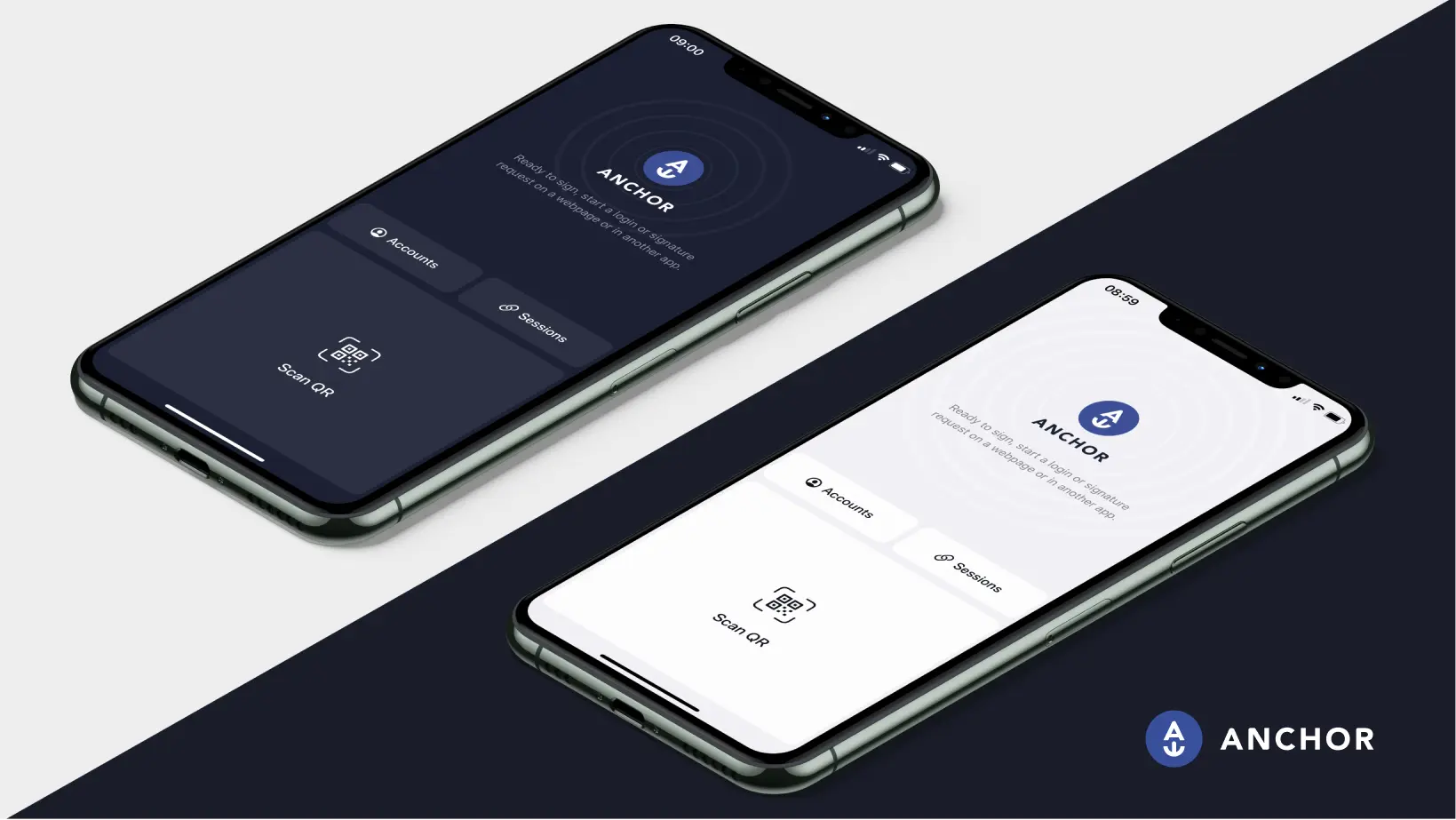
WAX on desktop
-
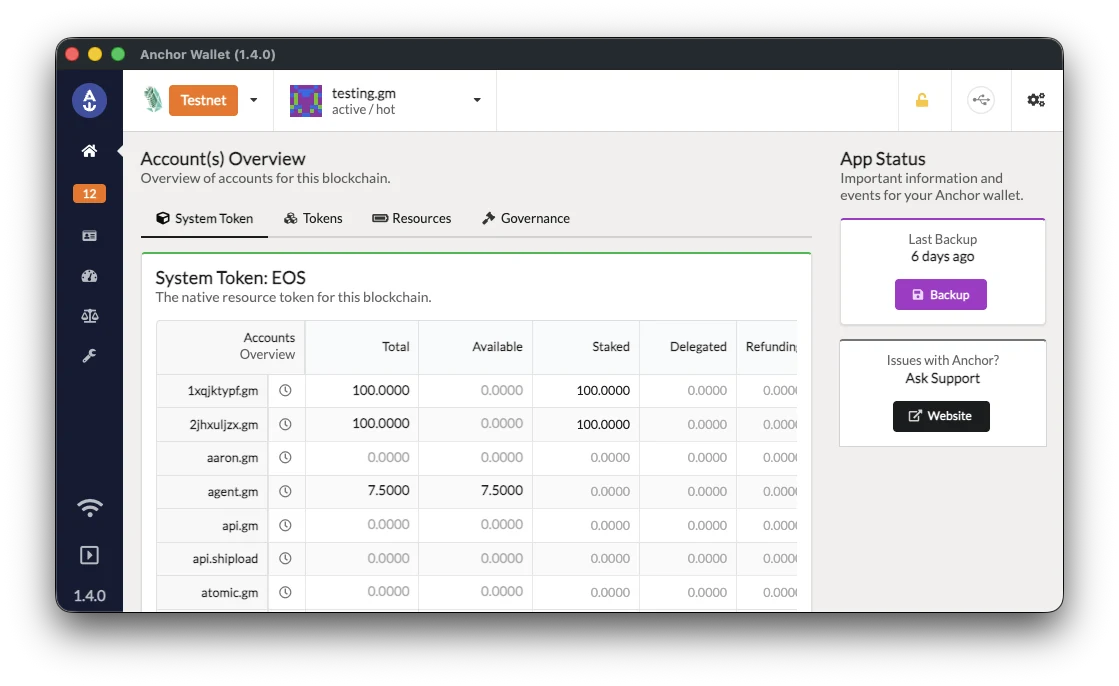
Download Anchor for desktop
Windows, macOS and Linux, with signed installers and checksums you can check.
Download for desktop -
Import your WAX account
Add WAX in the app and import an account you hold with its key. To buy a new WAX account from a computer, use create.anchor.link, then import it.
-
Sign in to WAX apps
When an app offers Anchor, the desktop app asks you to approve each sign-in and each action.
WAX with a Ledger
-
Set up your Ledger
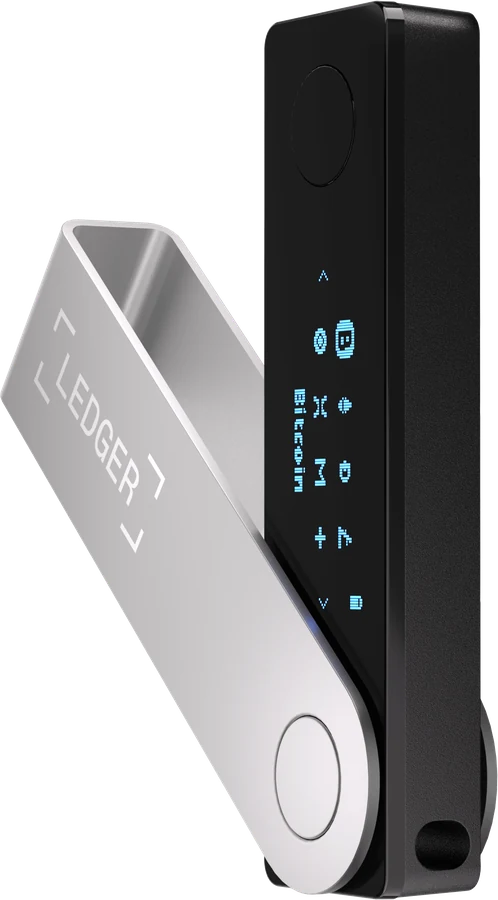
Install the EOS app with Ledger Live and allow contract data. Anchor uses the EOS app on every network.
Ledger setup guide -
Open Anchor for desktop
The browser version of Anchor doesn't serve WAX, so a Ledger on WAX works through Anchor for desktop.
-
Approve on the device
Each sign-in and each action waits for the device's buttons.
What's different on WAX
Creating an account has a fee
A new WAX account costs a fee, paid in the Anchor app or at create.anchor.link. An account you already hold imports free.