
Create a Telos account with Anchor
Anchor holds your Telos account on your phone or computer and signs you in to Telos apps.
- Paid in the app
A new Telos account costs a fee: an in-app purchase on iPhone and Android, or at create.anchor.link from a computer.

Telos on iPhone and Android
-
Create or import a Telos account
Choose Telos in the app and create an account, paid as an in-app purchase through the App Store or Google Play. An account you already hold imports with its key.
-
Sign in to Telos apps
When a Telos app offers Anchor, scan its code or tap its link, and approve the sign-in on your phone.
 App Store
  Google Play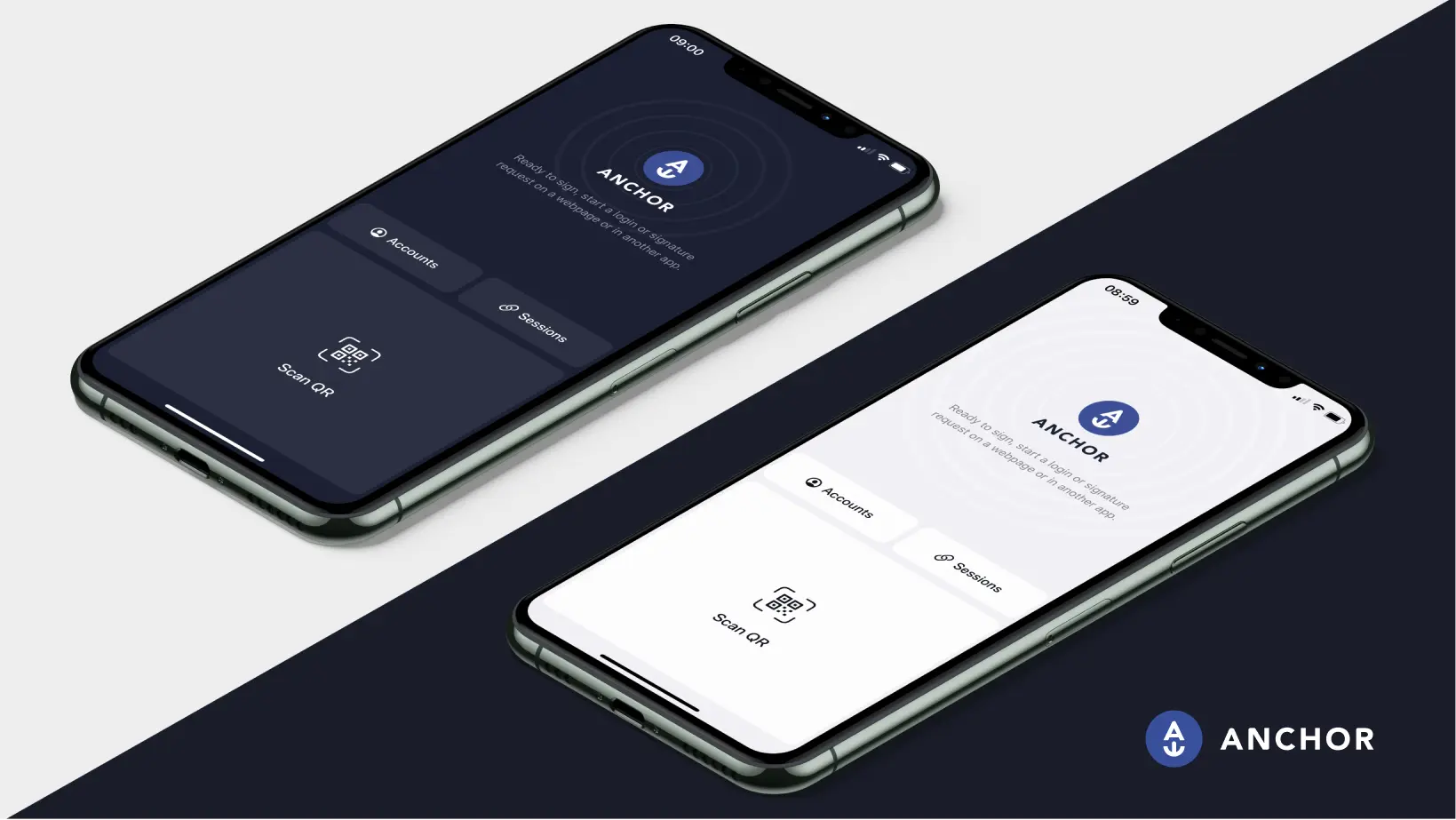
Telos on desktop
-
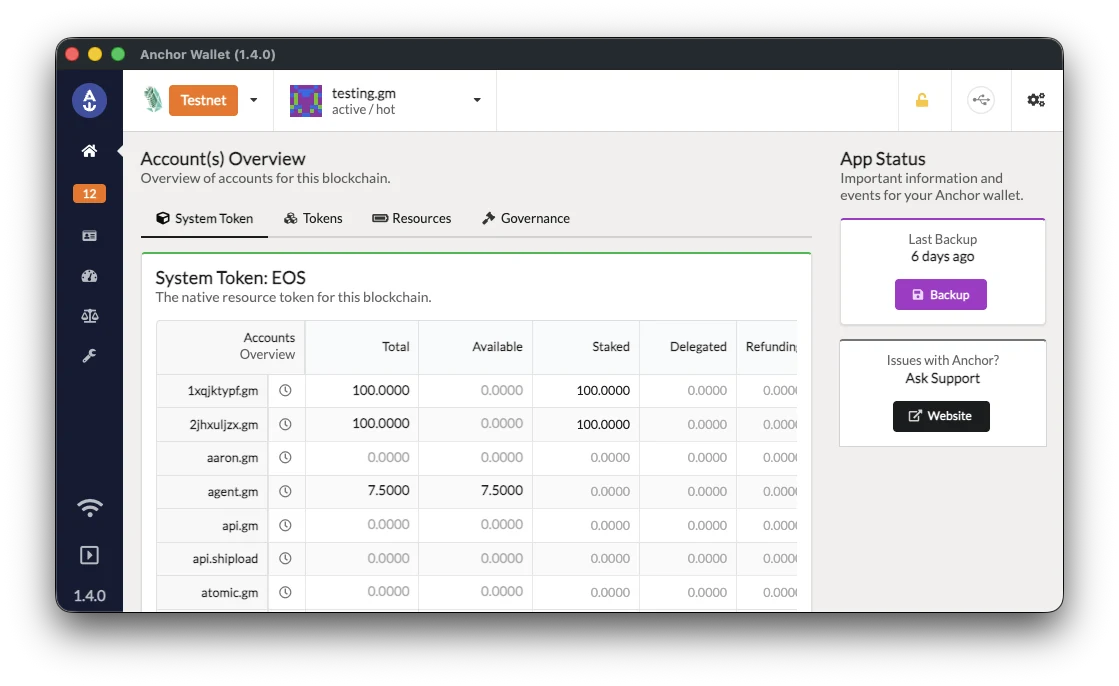
Download Anchor for desktop
Windows, macOS and Linux, with signed installers and checksums you can check.
Download for desktop -
Import your Telos account
Add Telos in the app and import an account you hold with its key. To buy a new Telos account from a computer, use create.anchor.link, then import it.
-
Sign in to Telos apps
When an app offers Anchor, the desktop app asks you to approve each sign-in and each action.
Telos with a Ledger
-
Set up your Ledger
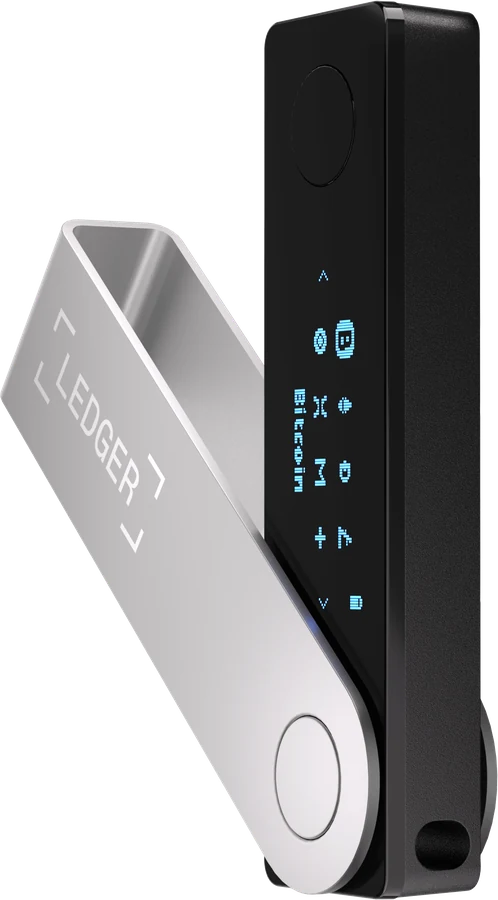
Install the EOS app with Ledger Live and allow contract data. Anchor uses the EOS app on every network.
Ledger setup guide -
Open Anchor for desktop
The browser version of Anchor doesn't serve Telos, so a Ledger on Telos works through Anchor for desktop.
-
Approve on the device
Each sign-in and each action waits for the device's buttons.
What's different on Telos
Creating an account has a fee
A new Telos account costs a fee, paid in the Anchor app or at create.anchor.link. An account you already hold imports free.
Native Telos accounts
Anchor holds native Telos accounts, named with up to 12 letters and digits, and their TLOS. Telos EVM addresses start with 0x and need a wallet built for EVM networks.