Formerly EOS
Create a Vaulta account with Anchor
Vaulta is the network formerly called EOS. Anchor creates your Vaulta account in your browser, free, and signs you in to every app on the network.
Already have an account? Open your wallet
- Free in your browser
- Paid in the app
Free in your browser with a Google or Apple sign-in. The Anchor app also sells accounts as an in-app purchase, and create.anchor.link sells them to computers.

Vaulta in your browser
-
Open Anchor on Vaulta
A window opens at vaulta.anchorwallet.io. Check that the address ends in anchorwallet.io before you continue.
https://vaulta.anchorwallet.io/…
The button opens a window at vaulta.anchorwallet.io. The part before the first / ends in anchorwallet.io, the same as this page. -
Choose a name and a passkey
Sign in with Google or Apple, free, pick the account name apps will show, and save a passkey to your device.
-
Sign in to apps on Vaulta
Any app that offers Anchor sign-in opens the same window. Your passkey travels in your keychain, so any browser it reaches can sign you in.

Vaulta on iPhone and Android
-
Create or import a Vaulta account
Choose Vaulta in the app and create an account, paid as an in-app purchase through the App Store or Google Play. An account you already hold imports with its key.
-
Sign in to Vaulta apps
When a Vaulta app offers Anchor, scan its code or tap its link, and approve the sign-in on your phone.
 App Store
  Google Play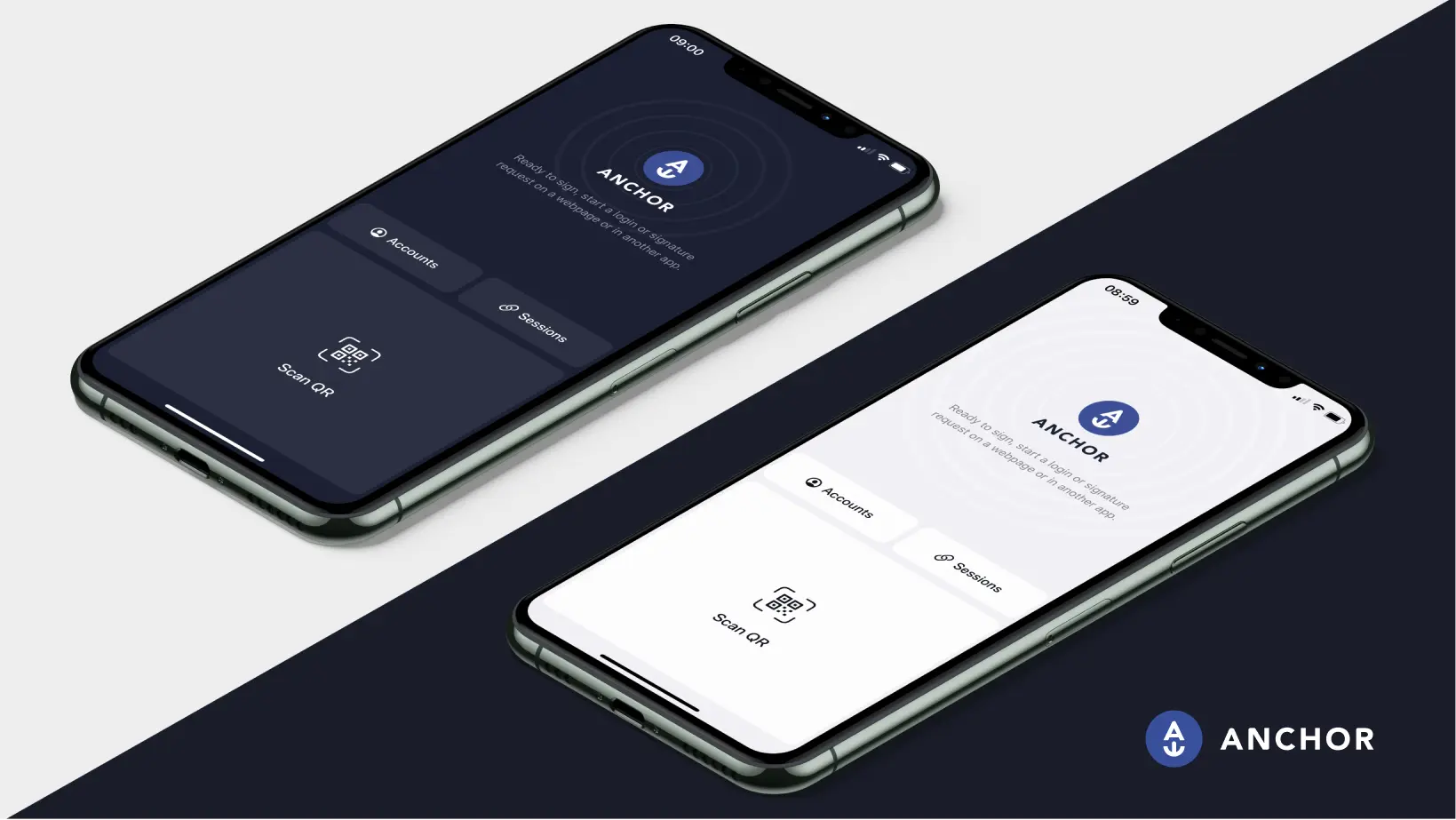
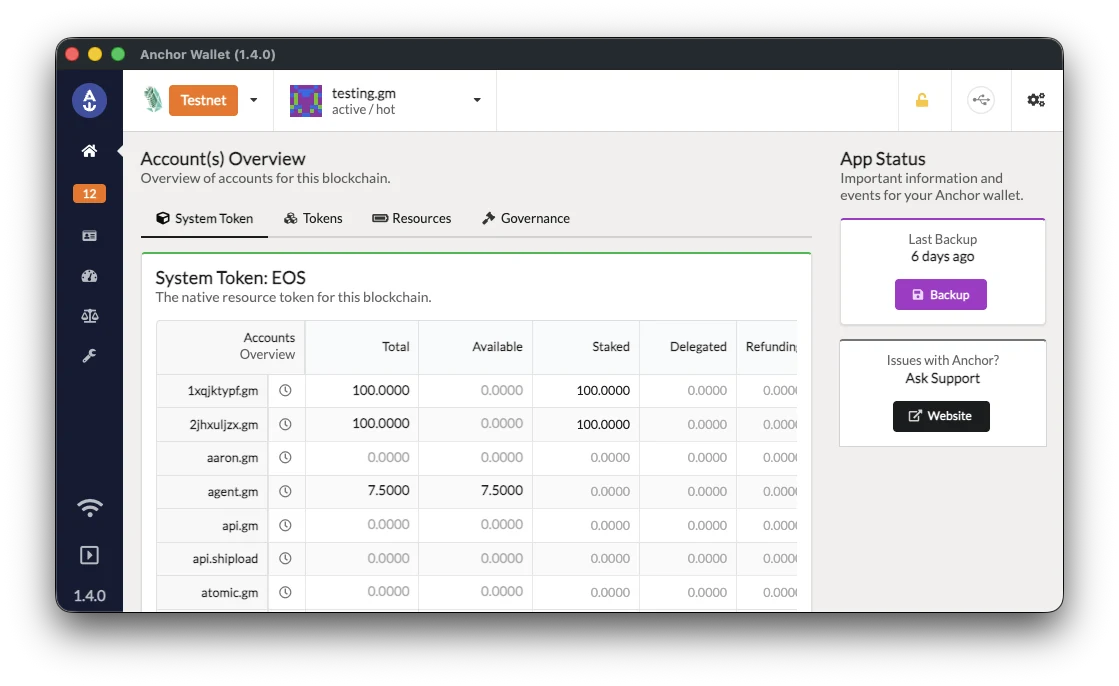
Vaulta on desktop
-
Download Anchor for desktop
Windows, macOS and Linux, with signed installers and checksums you can check.
Download for desktop -
Import your Vaulta account
Add Vaulta in the app and import an account you hold with its key. To buy a new Vaulta account from a computer, use create.anchor.link, then import it.
-
Sign in to Vaulta apps
When an app offers Anchor, the desktop app asks you to approve each sign-in and each action.
Vaulta with a Ledger
-
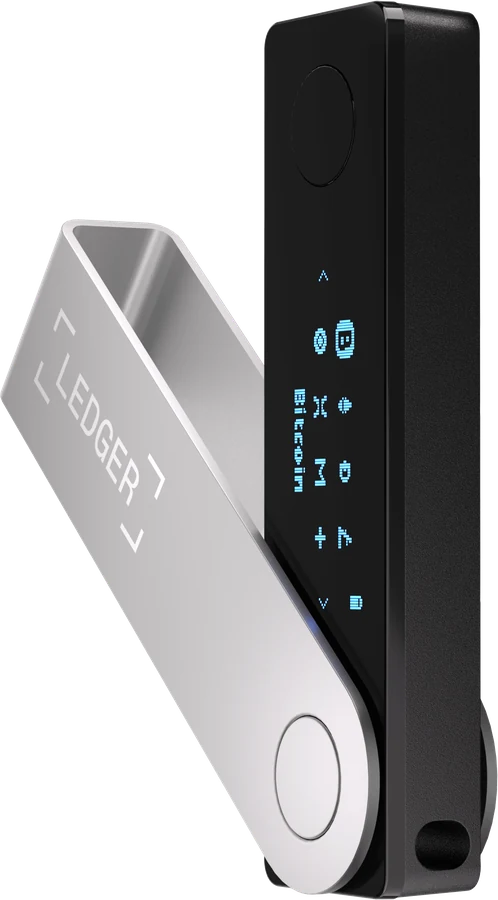
Set up your Ledger
Install the EOS app with Ledger Live and allow contract data. Anchor uses the EOS app on every network.
Ledger setup guide -
Open Anchor on Vaulta in Chrome, Edge or Brave
Choose Ledger as your signing method at vaulta.anchorwallet.io. Your key is made on the device and stays there.
-
Approve on the device
Each sign-in and each action waits for the device's buttons.
What's different on Vaulta
Formerly EOS
EOS became Vaulta in 2025. An EOS account is a Vaulta account, with the same name and the same keys, and it signs in to Anchor unchanged.
Free to create, or paid in the app
Create an account free in your browser with a Google or Apple sign-in, or buy one in the Anchor app or at create.anchor.link.
Native Vaulta accounts
Anchor holds native Vaulta accounts, named with up to 12 letters and digits. Vaulta EVM addresses start with 0x and need a wallet built for EVM networks.
Two tokens, one account
The account holds the A token and any EOS it held before the change.